
File Your ITR the Right Way
Learn how to file an Income Tax Return online, understand the ITR filing steps, prepare the right information, choose the applicable return form and complete e-Verification without confusion.
Simple. Clear. Organised.
Prepare your details first, complete the return carefully and verify it after submission.
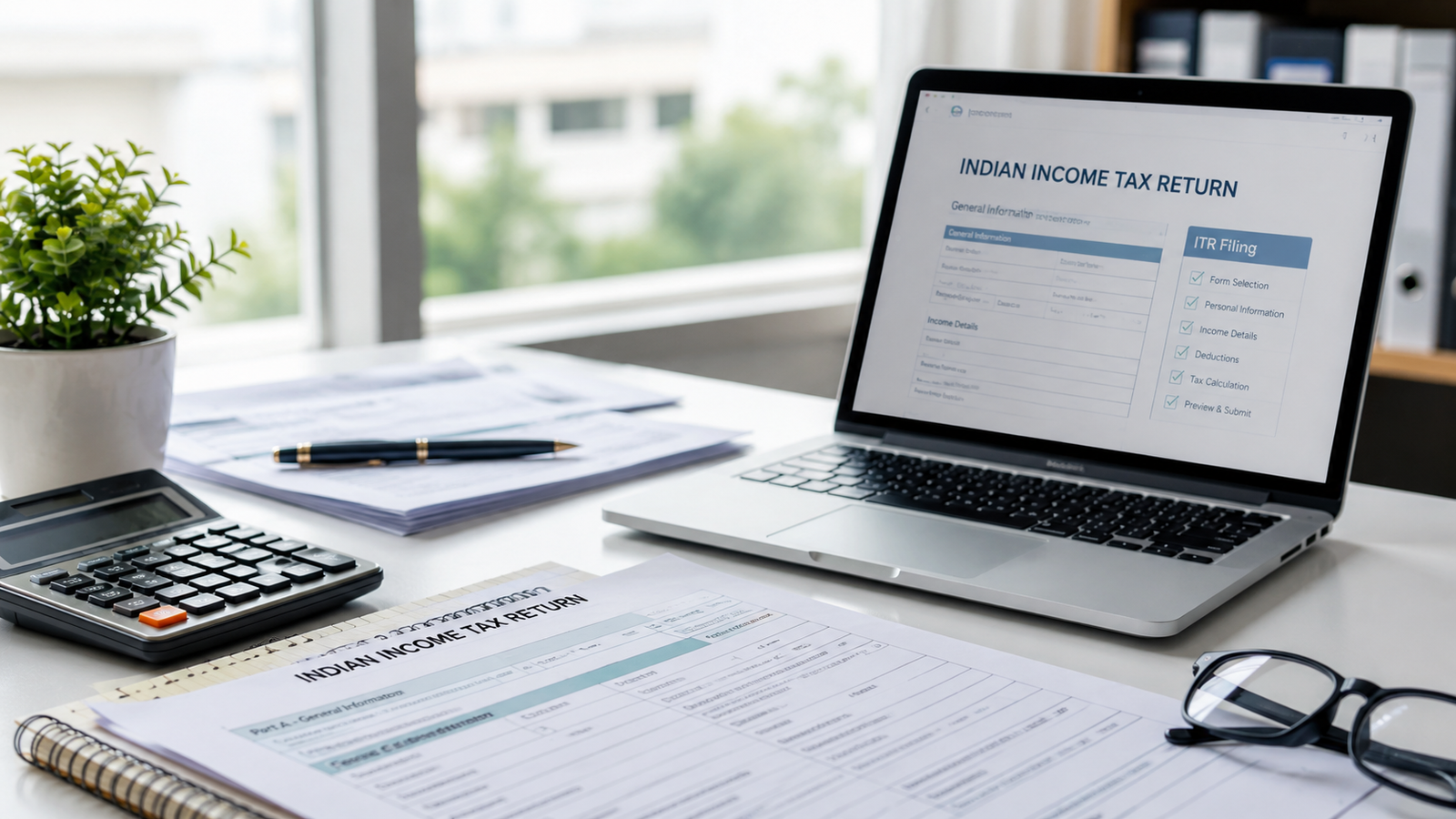
What does filing an ITR involve?
ITR filing is the process of reporting relevant income, deductions, taxes and other required information to the Income Tax Department for the applicable assessment year.
For many taxpayers, the process involves reviewing income from salary, interest, house property, investments, capital gains or other sources, checking available tax information, selecting the appropriate ITR form and submitting the return through the applicable filing method.
The official e-Filing portal currently supports online filing for ITR forms and also provides offline utilities. For AY 2026–27, the Income Tax Department lists ITR-1, ITR-2, ITR-3 and ITR-4 as available for filing. :contentReference[oaicite:1]{index=1}
ITR filing at a glance
If you are wondering where to begin, these three questions cover the most important parts of the filing journey.
Who needs to file an ITR?
Whether you need to file depends on your income, applicable tax provisions and individual circumstances. Filing may also be relevant when you need to report income or claim a refund or certain tax-related benefits.
What do you need before filing?
Prepare your income information, tax-related records, investment details, bank information and other documents relevant to your income sources and ITR form.
How do you complete filing?
Choose the applicable assessment year and filing mode, select the appropriate ITR, complete the return, review the information, submit it and complete e-Verification.
How to file your ITR online
The Income Tax Department provides an online filing workflow through its e-Filing portal. The exact screens and requirements can vary by ITR form, but the core process follows a structured sequence.
Log in to the e-Filing portal
Access the official Income Tax e-Filing portal using your applicable login credentials.
Start your Income Tax Return
Go to e-File → Income Tax Returns → File Income Tax Return and select the applicable assessment year and filing mode.
Select the applicable ITR
Choose the return form that matches your income sources and taxpayer circumstances. The portal provides guidance to help with form selection.
Complete, submit and verify
Enter or confirm the required information, review the return, submit it and complete the required e-Verification.
What should you keep ready?
The exact requirements vary by taxpayer and ITR form. These categories are useful starting points when organising your information.
Income Details
Salary, pension, interest, rental income, business income, capital gains and other applicable sources.
TDS Information
Review tax deducted or collected and compare available tax information with your own records.
Investments
Keep relevant investment and deduction records available for applicable tax claims.
Bank Details
Keep applicable bank account information available for filing and refund requirements.
Don't forget to e-Verify your ITR
Submitting the return is not the end of the process. The Income Tax Department states that ITRs need to be verified to complete the filing process. e-Verification can be completed through several available methods.
VERIFY AFTER SUBMISSIONUseful tools for your financial planning
Once you understand your tax filing, you can also explore FinancePilot's loan calculators and repayment guides for broader financial planning.
Loan Interest Calculator
Estimate total interest and repayment cost when comparing borrowing options.
Loan Tenure Calculator
Understand how repayment tenure can influence EMI and total interest.
Gold Loan Calculator
Estimate repayment for a potential gold-backed borrowing requirement.
Home Loan Prepayment
Understand key considerations before making additional home loan payments.
Personal Loan Repayment
Learn practical ways to understand and manage personal loan repayment.
Loan Against Property Calculator
Estimate EMI and repayment for a property-backed borrowing scenario.
Latest tax & personal finance insights
Read practical articles covering tax planning, loans, investments, savings and everyday financial decisions.

ITR Filing FAQs
Log in to the Income Tax e-Filing portal, go to e-File → Income Tax Returns → File Income Tax Return, select the applicable assessment year and filing mode, choose the appropriate ITR and complete the return. After submission, complete e-Verification.
The appropriate ITR form depends on your income sources, taxpayer category and other applicable conditions. The Income Tax Department provides form-specific guidance and utilities.
The information required varies. Depending on your circumstances, you may need income details, TDS information, investment records, bank details, property information and other supporting records.
Eligible taxpayers can use the official e-Filing portal and its available online or offline utilities. If your tax situation is complex, consider taking professional tax advice.
Yes. The Income Tax Department states that verification is required to complete the ITR filing process. Several e-Verification methods are available, including Aadhaar OTP, EVC, net banking and DSC where applicable.
The official e-Filing portal provides services for viewing ITR status and other return-related information after filing.
Online filing is completed through the e-Filing portal, while the Income Tax Department also provides offline utilities for applicable ITR forms. The available options depend on the return and assessment year.
Prepare your return before you submit it.
Understand the filing steps, keep your information organised and complete verification after submission.
FinancePilot provides general educational information and financial guidance. It is not a substitute for professional tax, legal, accounting or financial advice. Tax laws, forms, eligibility conditions, filing procedures and deadlines may change. Always verify the latest requirements on the official Income Tax Department e-Filing portal before filing.